

AI generated image, prompt by Promptor
Create an endless stream of highly varied AI images on your PC, with random prompt generation and automated rendering.
If you started AI image creation with the Stable Diffusion WebUI, you will soon run into an endless loop of typing a prompt, click render, wait, type the next prompt, click render, wait, ... which is time consuming and exhausting.
Promptor can do this fully automated. For every image, it does a new imagination what could be in there: a new background environment (e.g. indoor kitchen, living room, bathroom, outdoor coast, garden, mountains), new background items (chair, paintings, flowers, hills), new actors (a Norwegian French woman, a Canadian German man).
No think, no work. Forget about formulating prompts yourself, thinking about countries, landscapes, location names, poses, objects. The Promptor content template was already tested for visual richness and variation in endless renderings. Just let it run overnight, and enjoy new results every morning!
What is Promptor?
Promptor is a Windows tool containing:
- promptor.exe for the Windows CMD.exe command line. it reads the file below, creates random prompts from that, calls the Stable Diffusion WebUI to render images, and saves the images to disk.
- a text file promptdb.txt, with templates for random prompt generation.
- a readme text file, explaining how to adapt promptdb.txt.
No upscaling.
Promptor just saves 512x512 PNG images to disk. You have to do the upscaling to 2048x2048 yourself, with a free tool like Upscayl. It supports batch processing, so you can upscale hundreds of images in one go.Easy installation!
You just have to:
- install the Stable Diffusion WebUI which is used for rendering images.
- prepare your Stable Diffusion WebUI:
edit webui-user.bat by Notepad and extend one text line.
required minimum:
set COMMANDLINE_ARGS=--apirecommended: (allows higher render resolutions)
then stop the WebUI by Ctrl+C, and run it again. It will now accept API calls by network on the same PC, which is required by Promptor.
set COMMANDLINE_ARGS=--api --xformers - run the Promptor installer. It just asks where to install promptor:
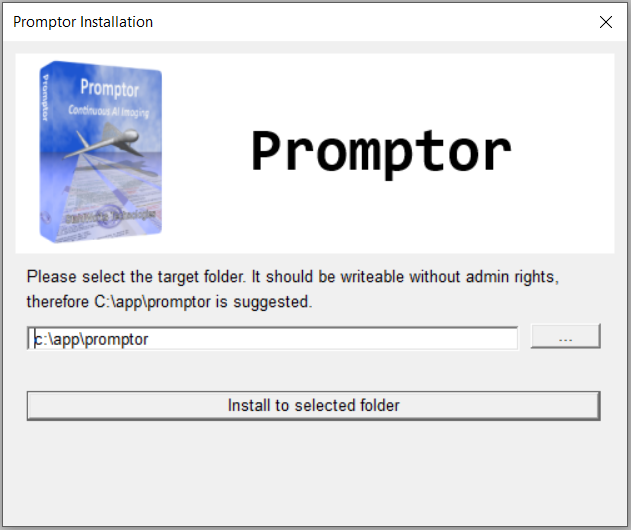
Default ist to install to a simple folder like c:\app\promptor, which is writeable without admin rights. Click "install to selected folder", done.
No admin rights are required. There is no serial number typing, no online license check, no third party software installation. It only takes seconds. You are allowed to install promptor on up to five computers which you are using.
- open a CMD.exe command line
- CD into the promptor folder:
C:

cd \app\promptor - then type:
which will start to render images immediately. If you want to read the help text instead, typepromptor
a simulation of what promptor would do can be done bypromptor -h
which shows 20 randomly generated prompts, without rendering.promptor -sim - if asked by Windows, confirm that promptor.exe can access the network. It communicates with the SD WebUI API through network on the same PC.
Free updates for three months.
Promptor and it's template file is in permanent development. You get a download account, and you can login and download updated versions for three months. Please note that after that period no further downloads are possible, so keep your installer file in a safe place.
To view rendered images quick and easy
the free iView tool is recommended.
Will it work on your PC? Try it now.
Please make sure it will run before you buy. To do so, download the Promptor Test .zip file, and do with it the same steps as written above.
Instead of promptor.exe and promptdb.txt, it just contains a file promptor-test.exe, which tries to render 3 images from static prompts (no prompt variation). So extract the .zip file, then run promptor-test.exe. This will test:
- if it can reach your SD WebUI API.
- if it can send a request for image rendering.
- if it can receive and store the result images.
and if that works, and you really get 3 image files as an output, you are ready to buy Promptor.
Will it work on your Mac/Linux? Try it now.
As Stable Diffusion with it's WebUI is available native for Mac and Linux, do this:
- run the Stable Diffusion WebUI
natively on your system, with these options:
the 'listen' tells to accept connections also from different IP's, which may be relevant when running promptor in a different environment. (you can try it without --listen later, after everything works.)set COMMANDLINE_ARGS=--api --listen - find out the absolute network IP under which SD WebUI is reachable, e.g. 192.168.1.100, as 127.0.0.1 (localhost) may not be sufficient.
- run promptor-test
in a Windows emulator like:
./promptor-test.exe -server=192.168.1.100 - if that works, it should be possible to use promptor on your system.
I tested this with WINE under Ubuntu:
click 'install to selected folder' in the popup. this installs towine promptor-set-up.exe/home/username/.wine/drive_c/app/promptorcd into there, then use:
./promptor.exe -server=192.168.178.21it starts rendering on the given IP, and writes image files to drive_c/app/promptor/rawpic.
Even iView works, like:
./iview.exe rawpic
Five Promptor generated examples:
You are in mobile view. Use a desktop browser to see the full prompt text.|
|
Photo style, a 22 year old swedish eskimo girl, smiling, beautiful face, slim nose, beautiful body, skinny, standing, ... (eye level, full shot)+. arms at side. rough freckled skin, visible feet. detailed background, bedroom with (fountain, couch, chair, pond) and windows, outside mountain peak with (hills,pond,flowers), afternoon light. |
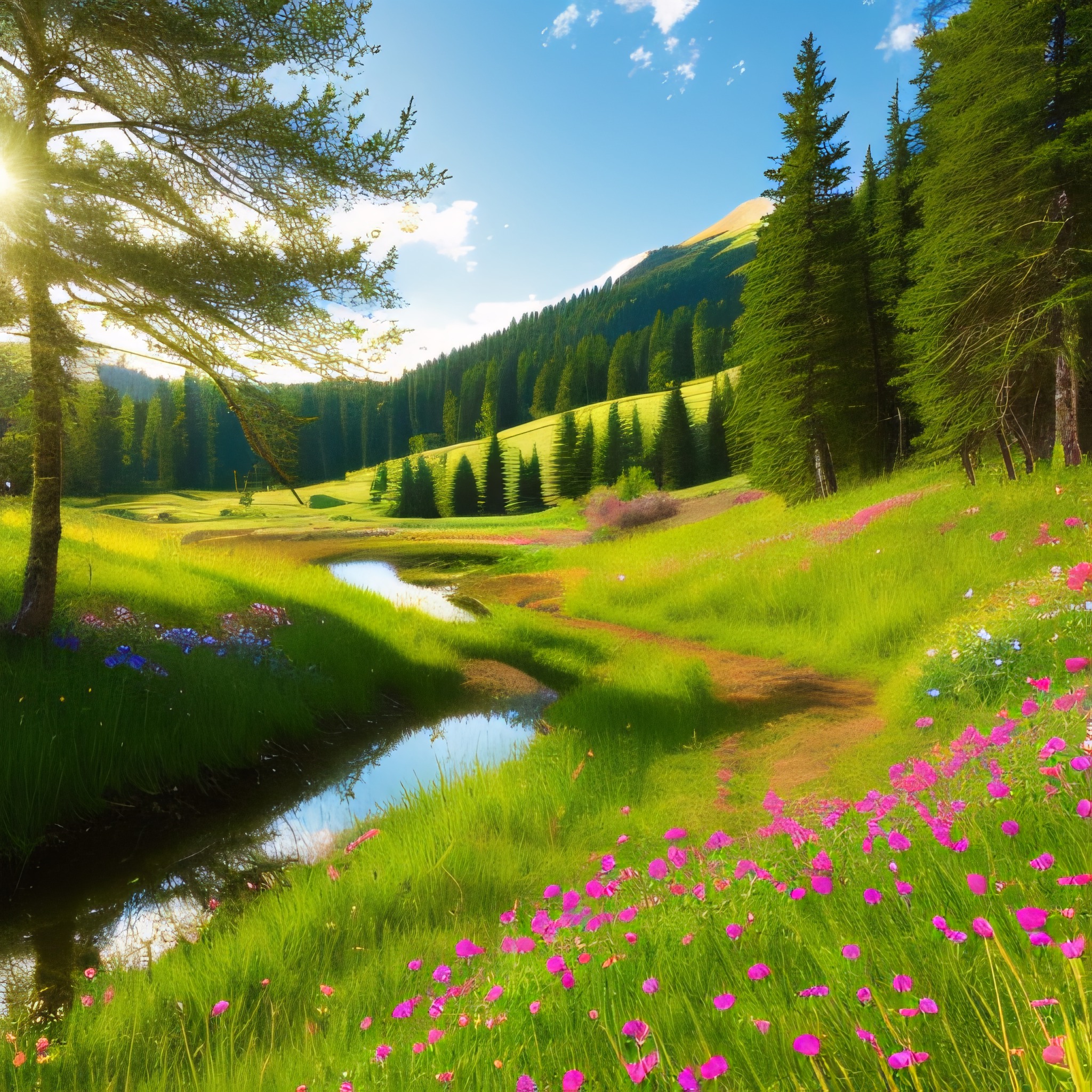
| Photo style, hiking trail with (meadows, grass, pond, hills, bushes, wood, flowers), afternoon light. |
|

|
Photo style, a 22 year old swiss brunette girl, smiling, beautiful face, slim nose, beautiful body, skinny, sitting, ... (eye level, full shot)+. arms at side. rough freckled skin, visible feet. detailed background, cruise ship deck with (pools, tables, slides, drinks, flowers, distant beach), afternoon light. |
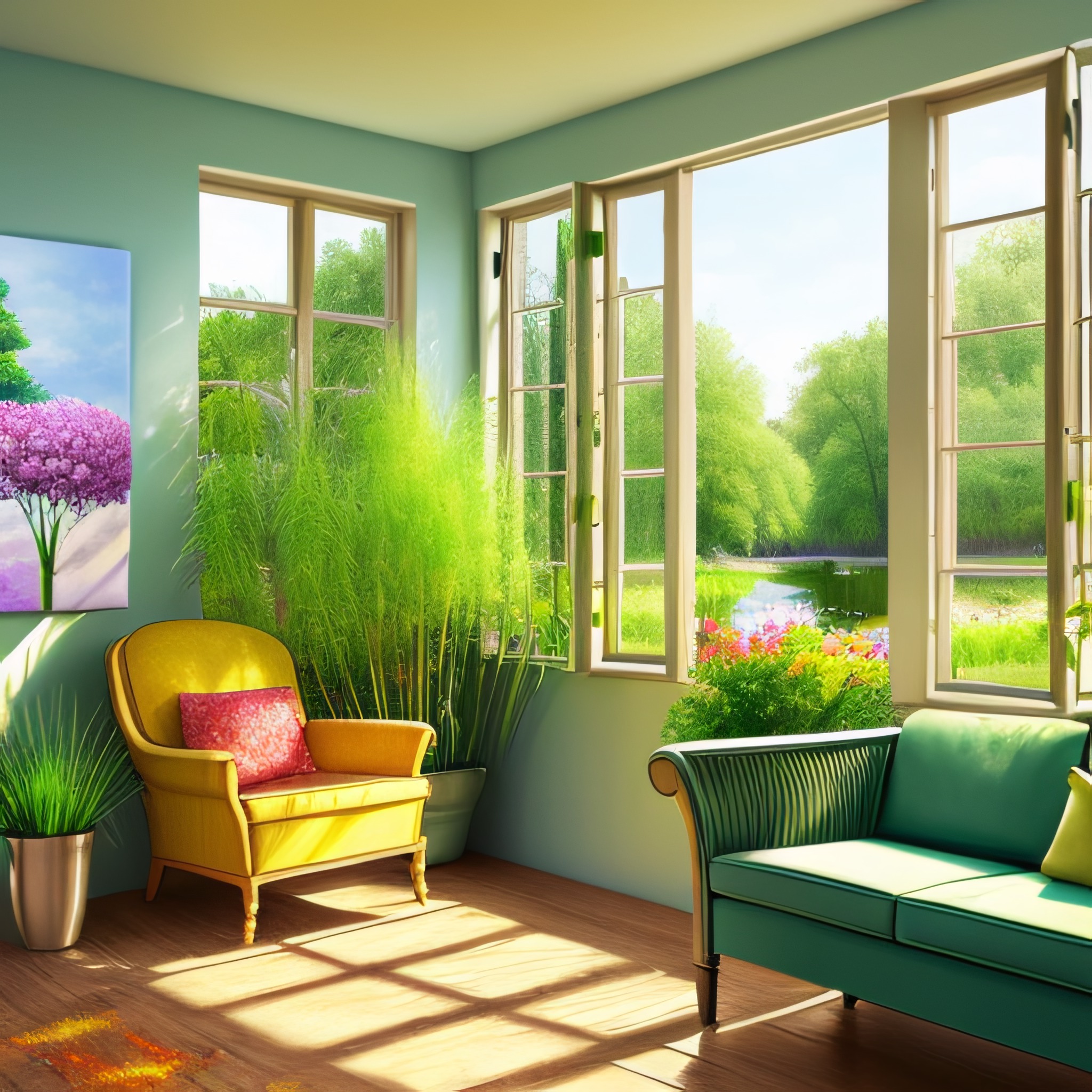
| Photo style, kitchen with (couch, chair, paintings, pond) and windows, outside garden ... with (bushes,grass,flowers), afternoon light. |
|
|
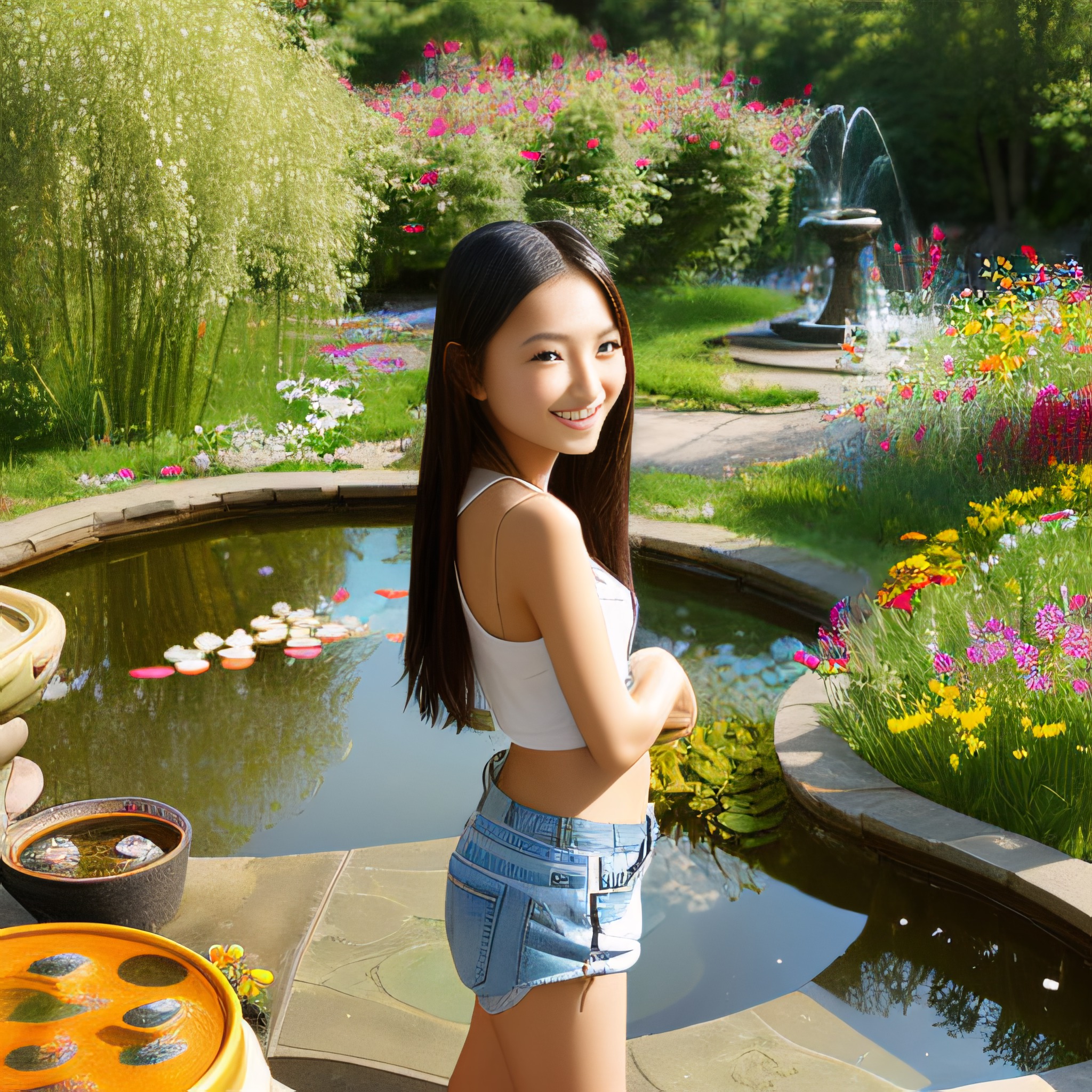
Photo style, a 22 year old czech asian girl, smiling, beautiful face, slim nose, beautiful body, skinny, standing, ... (eye level, full shot)+. arms at side. rough freckled skin, visible feet. detailed background, bedroom with (shelfs, fountain, pond) and windows, outside garden with (pond,hills,flowers), afternoon light. |
Negative prompt everywhere: deformed, bad anatomy, bad proportion, disfigured, mutation, mutated, ugly, ... disgusting, blurry, poorly drawn face, doubled face, asymetric face, poorly drawn hands, malformed hands, distorted hands, mutated hands and fingers, missing hands, double hands, disconnected hands, twisted hands, disconnected feet, twisted feet, extra finger, missing finger, missing arm, extra arm, missing leg, extra leg, joined legs, overlapping legs, asymetric legs, missing foot, extra foot, twisted feet, mutated feet, extra limb, missing limb, floating limbs, disconnected limbs, watermark, watermarked, oversaturated, censored, amputation, obese, black lips, asymetric eyes, out of frame, legs at image border, head at image border, head outside image, collage, triptych
No perfection! If you look long enough, you will find errors in most images. The first one has 4 fingers, the third image 6 fingers, the last one malformed hands. I could have picked only images with hands on back or otherwise invisible, but I want to give you a realistic impression.
Find more examples in the Promptor galleries:
Promptor is currently not available for purchase.